The App
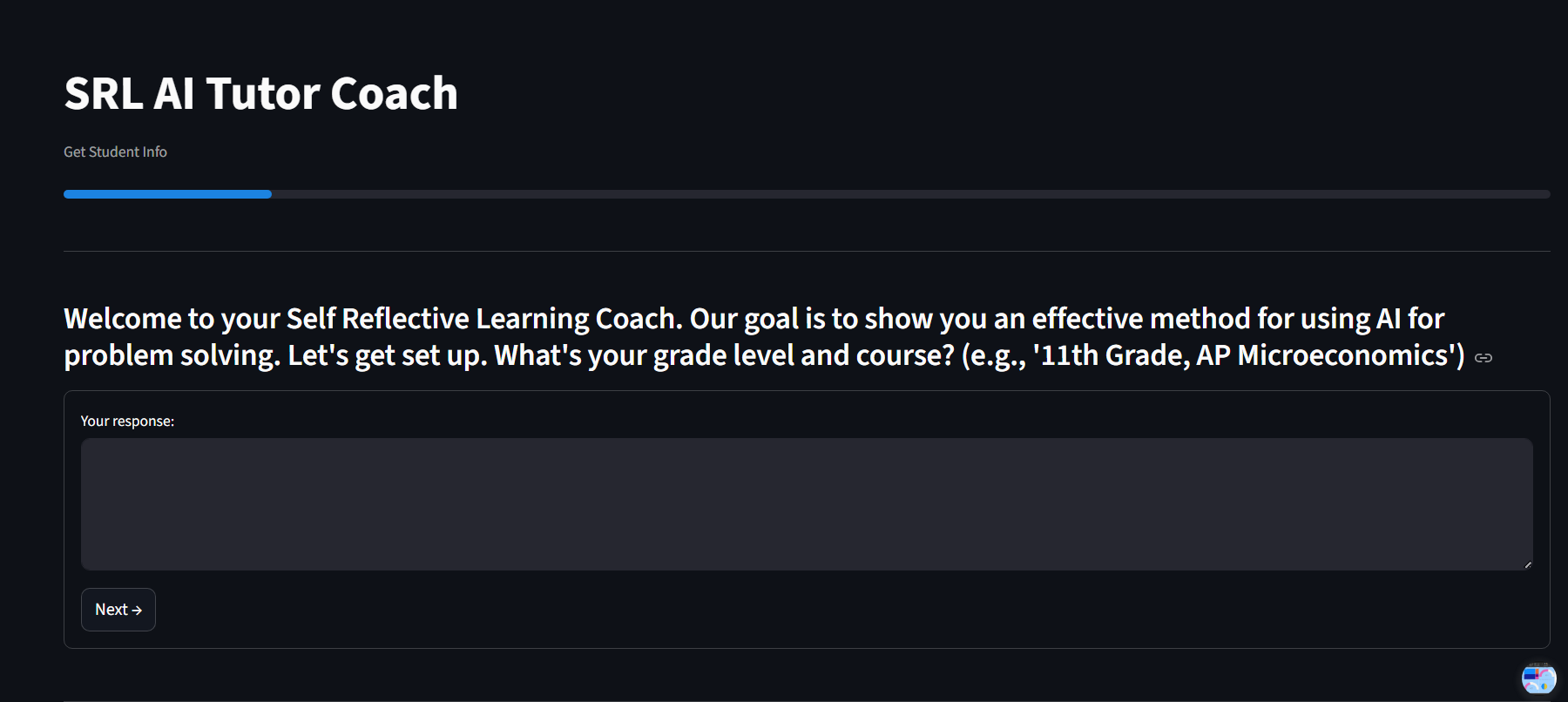
Note: The app requires activation before use. If you'd like to try it, please email me and I'll get it running for you.
A Self-Regulated Learning App for AI-Assisted Problem Solving
Note: The app requires activation before use. If you'd like to try it, please email me and I'll get it running for you.
The Socratic AI Tutor is a Streamlit web application built to address a core problem identified in classroom AI research: when students are given free access to AI tools, they typically use them to bypass thinking rather than scaffold it. The app guides students through a structured, step-by-step workflow rooted in Self-Regulated Learning (SRL) theory, generating ready-to-paste prompts that instruct AI to act as a Socratic tutor — asking guiding questions rather than giving direct answers.
Note: The app requires activation before use. If you'd like to try it, please email me and I'll get it running for you.
Self-Regulated Learning theory holds that durable learning requires students to actively monitor their own understanding, set goals, and adapt strategies — rather than passively receiving information. The Socratic method, in which a teacher guides a student toward understanding through questions rather than answers, is one of the oldest pedagogical implementations of this principle.
The problem with unstructured AI use is that it short-circuits both: students outsource the thinking and receive answers without developing the metacognitive process that makes learning stick. This app redirects AI into the role of a Socratic scaffold, keeping the student in the driver's seat at every step.
The central question embedded throughout the workflow: "Is this helping me achieve the learning objective, or is this beating the assignment?"
Davis (1989) showed that technology adoption is driven by perceived usefulness and ease of use. Albayati (2024) applied TAM to ChatGPT, finding that trust, privacy concerns, and social influence all shape student attitudes toward AI — independent of whether the tool actually helps them learn. The Socratic Tutor app was designed with both dimensions in mind: it is low-friction to use (no login, works on any device) while being explicitly structured to increase usefulness for actual learning rather than just task completion.
Built in Python using Streamlit and deployed via Streamlit Community Cloud. No database or authentication required — session data is handled in-app and exported by the student at the end.